Get the size of your tables
How to find the size of your tables, and the largest ones in particular.
It is useful to know the size of your tables, or at the very least which are the largest ones in a database.
The simplest way is to generate a report in SQL Server Management Studio (SSMS).
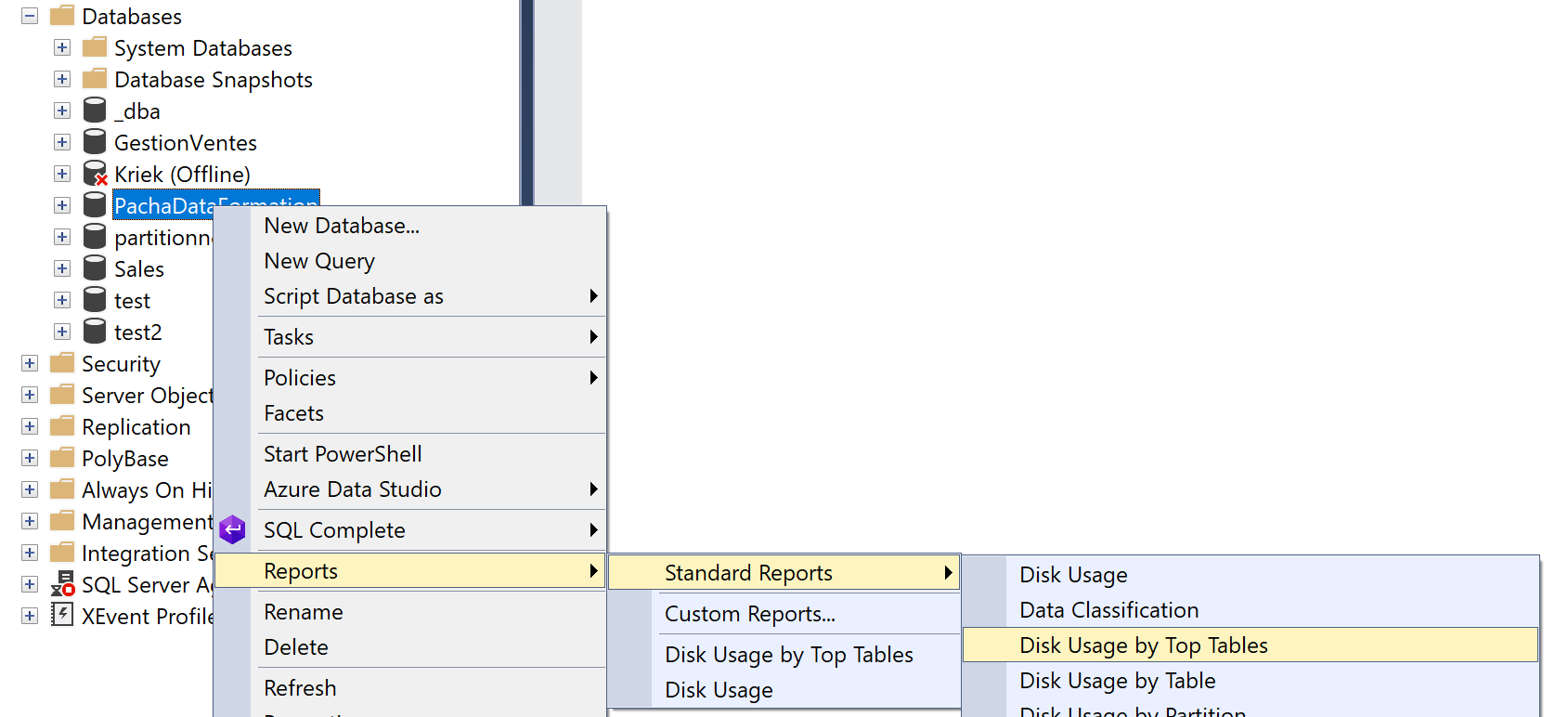
The report is available by right-clicking the database itself in Object Explorer. Choose Reports, then Standard Reports, then Disk Usage By Top Tables.
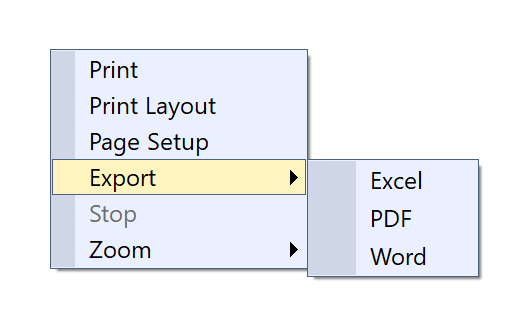
Once it is generated, you can export the report by right-clicking it and choosing Export.